Remove Background for Etsy Product Photos
100% automatic and free. Create professional Etsy listings that stand out and sell more.
Perfect edges • Fine details preservation
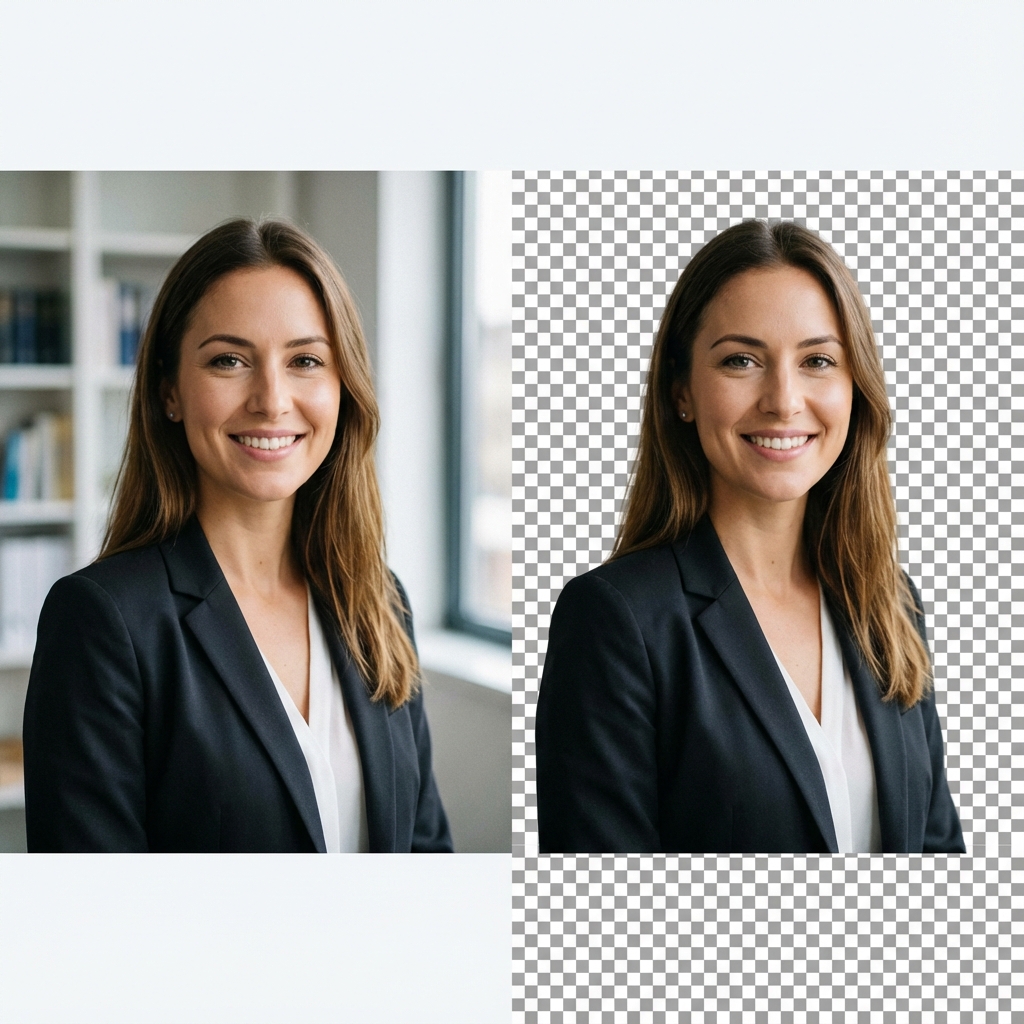
Etsy Shop Success Starts with Great Photos
Etsy customers buy with their eyes. Our AI-powered tool helps handmade and vintage sellers create catalog-quality images without expensive studio equipment.
Clean Aesthetic
Give your Etsy shop a professional, cohesive look with clean backgrounds.
Etsy Optimized
Perfectly sized and formatted for Etsy's listing requirements.
Increase Sales
Distraction-free photos help customers focus on your unique products.
Pro Tip for Etsy Sellers
Always use the white background option for your primary listing photo to increase click-through rates and meet marketplace visibility algorithms.
Etsy Photography FAQ
Does Etsy require a white background?
Etsy doesn't strictly require a white background, but they highly recommend using high-quality, clean, and distraction-free backgrounds (like white or light grey) for your first listing photo to improve search visibility and click-through rates.
How many photos can I have on Etsy?
Etsy allows up to 10 photos per listing. Using our tool, you can quickly prepare all 10 photos with consistent backgrounds for a professional-grade listing.
What is the best image size for Etsy?
Etsy recommends images be at least 2000 pixels wide for the shortest side. Our tool maintains high resolution so your photos stay crisp even when zoomed.
Can I use transparent backgrounds on Etsy?
Etsy doesn't support transparency for listing photos. We recommend downloading your image with a solid white or light-colored background for best results on the marketplace.